
Why a municipality needs a dedicated tool for its cemetery
In many municipalities, cemetery management still relies on a varied assortment of records: a paper plan pinned to an office wall, an Excel file updated occasionally, PDF files stored on a single computer and, above all, the memory of staff familiar with the site. This works while those people remain available. When someone retires, changes role or takes an extended absence, part of that knowledge leaves with them.
A dedicated tool does not replace staff. It brings scattered information together in one place, making it accessible without depending on one person and enabling faster answers to families, funeral service providers and the elected official responsible.
1. View the cemetery plan
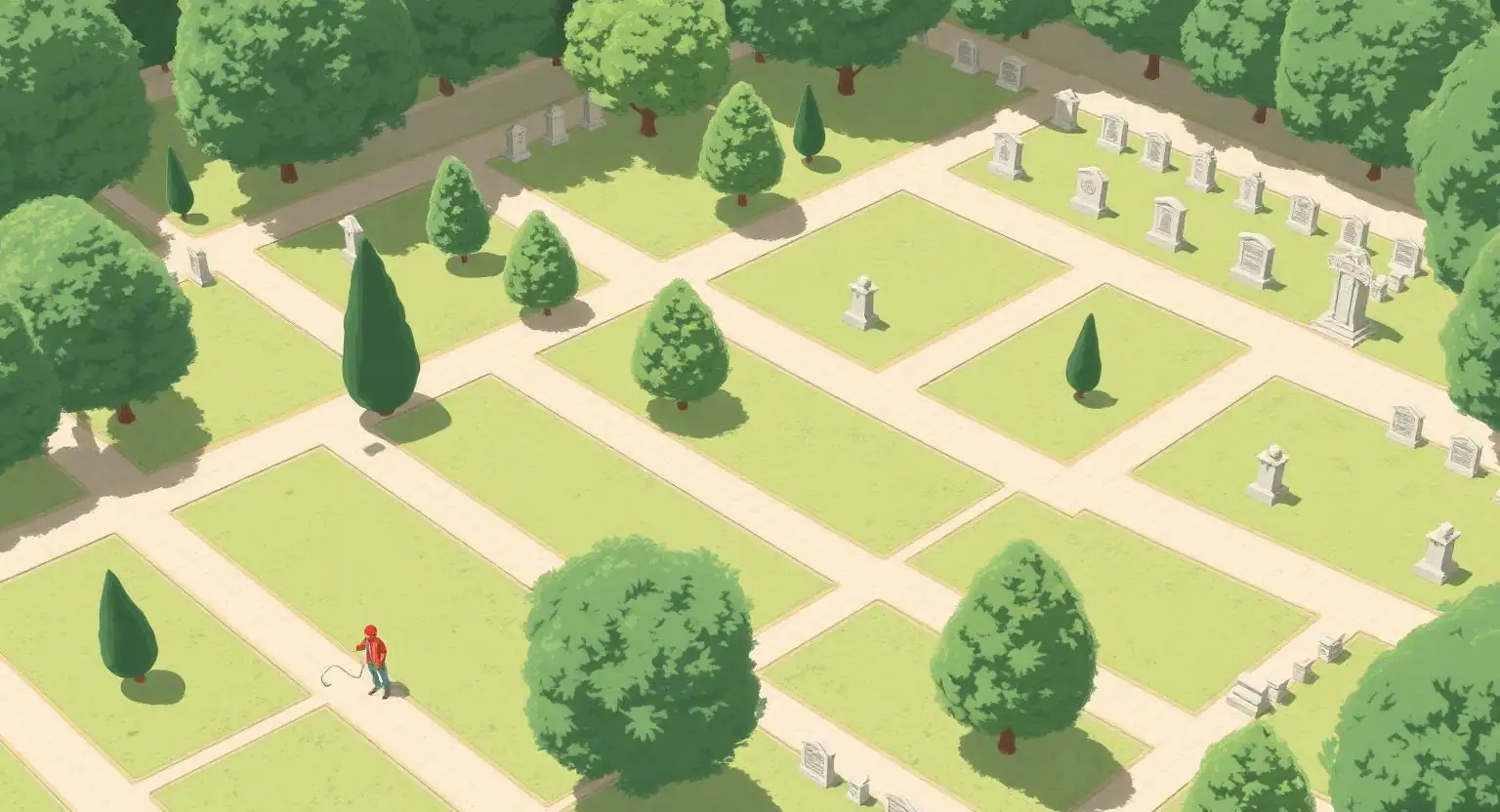
The first useful feature is simply being able to see the cemetery. An interactive map reflects its actual layout: sections, paths and plots. Each plot can be colour-coded by status — available, occupied, reserved or requiring verification — to give an immediate overview of occupancy.
The map is also a natural starting point: click a plot to access its burial-right record, the history of people buried there and associated documents. For staff who know the cemetery by its geography rather than administrative references, this visual approach is often more intuitive than a spreadsheet.
2. Find a burial right or deceased person quickly
Municipalities regularly receive straightforward but time-consuming enquiries: “Where is this person buried?”, “What is the term of burial right no. 134?” or “Is this name spelled correctly in the register?” Without a dedicated tool, these searches can take several minutes or repeated checks.
Cemetery software can find a burial right or deceased person within seconds by last name, first name, burial-right number or plot. The result opens the detailed record and locates the plot on the map, freeing time for higher-value work.
3. Track burial rights and their statuses
Burial rights have a lifecycle: they are allocated, renewed, sometimes reserved, and eventually may expire. Tracking these statuses is essential for anticipating procedures to recover plots, follow-ups with families and the management of available space.
A management tool makes it easy to filter records that are occupied, available, reserved, expired or requiring verification, and to view upcoming expiry dates. Rather than waiting for isolated reminders, the municipality has an overview it can use to plan confidently.
4. Centralize administrative documents
Cemetery management generates many records: burial-right deeds, orders, family correspondence and supporting documents. These are often filed in paper folders or poorly structured shared directories.
Attaching documents directly to the relevant burial-right record avoids duplicate filing and lost records. History remains alongside the operational information, which also makes handovers easier when teams change.
5. Reduce errors and dependence on staff memory
In smaller municipalities, knowledge of the cemetery often rests with one or two people. When they are unavailable, service slows and errors become more likely: confusing burial rights, mislocating a deceased person or forgetting a renewal.
A shared tool makes information available to the whole department, with a written record of who changed what and when. This supports service continuity: a temporary replacement, new colleague or responsible elected official can find the context without having to ask a single contact person.
6. Prepare a gradual digital transition
Going digital does not mean changing everything at once. The most realistic approach starts with what is already available: a plan, a list of burial rights and a few identified deceased persons. Data entry or imports proceed gradually alongside ongoing work.
The aim is a simple, reliable shared foundation that grows as cases are handled, rather than an overly complex system. This step-by-step approach makes digitization achievable even for a municipality with limited resources.
What OPUS Cimetière offers municipalities
OPUS Cimetière is an online solution designed for these practical needs: an interactive cemetery map, quick deceased and burial-right searches, status tracking, centralized documents and shared management across civil registration and public works.
The tool is designed to be easy to learn, including for municipalities that have never used dedicated operational software. It is used by local authorities in New Caledonia, in Mainland France and in French Polynesia.
Also read: Why does Excel reach its limits in municipal cemetery management? and How can a small municipality manage its cemetery more effectively?