
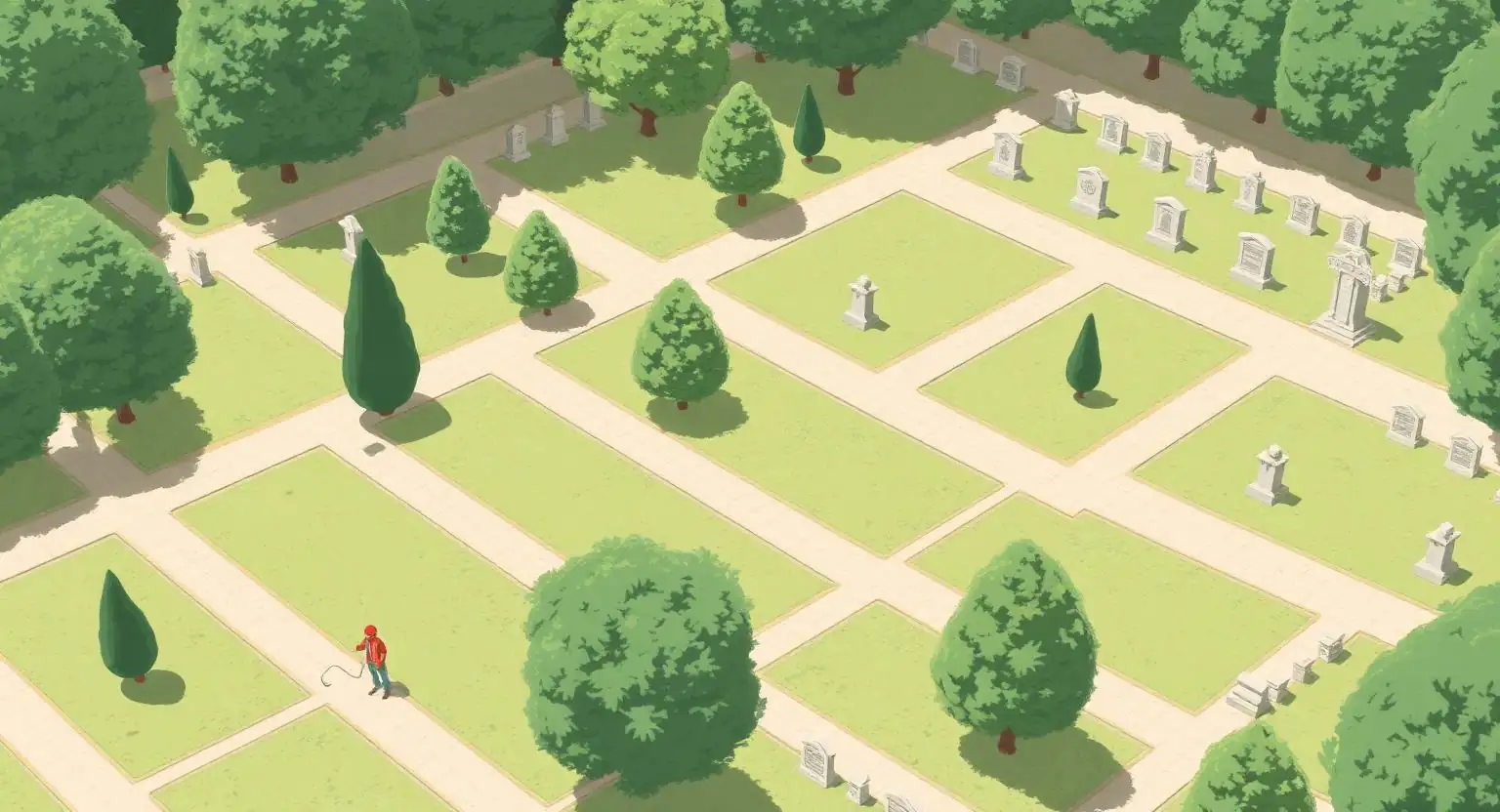
Cemetery management: a sensitive topic for municipalities
A municipal cemetery is an administrative, heritage and human space. Its information creates long-term responsibilities for the municipality: deceased identities, burial rights, plots, terms, renewals and documents supplied to families. Reliability and traceability are essential.
In a small municipality, one or two staff members often handle this work alongside other responsibilities. Improving cemetery management does not mean changing everything: it mainly means establishing clear foundations and greater confidence.
Common difficulties in a small municipality
Municipalities often face the same situations:
- a paper plan or a plan that is difficult to update;
- several Excel files scattered across different computers;
- various documents spread across network folders, binders and inboxes;
- various time-consuming searches to find a burial right or deceased person;
- strong dependence on one staff member’s memory ;
- a fragile handover when someone is absent, on leave or leaves their role.
These difficulties are not mistakes: they are the natural result of using general-purpose tools over time. The aim is to move forward step by step without disrupting everything.
Step 1: take inventory of existing information
Before considering a new tool, first identify what the municipality already has:
- the cemetery plan on paper, as a scan or as a CAD file;
- the list of burial rights and their terms;
- the information about deceased persons known to the municipality;
- the plot statuses such as available, occupied or reserved;
- the administrative documents including deeds, orders and correspondence;
- any available GIS or mapping data.
This inventory provides a clear starting point and avoids starting from scratch.
Step 2: validate essential data
Not all data needs to be perfect immediately. Start by making a focused set of useful information reliable:
- the burial-right number ;
- the plot location including section, path and row;
- the last names and first names of associated deceased persons;
- the status of the burial right;
- the documents attached;
- the important observations known to staff.
This sound foundation can answer the vast majority of everyday enquiries.
Step 3: link information to the cemetery plan
A cemetery is organized spatially. Linking information to even a simple plan provides several benefits:
- visually locating a burial right;
- understanding which areas are available, occupied or reserved ;
- making searches with families easier;
- avoiding constant switching between different records.
A digital plan is not essential at the start, but changes how people work once introduced.
Step 4: centralize administrative documents
Burial-right deeds, orders, family correspondence, supporting records, plans and histories all benefit from being attached directly to the relevant burial-right record. The aim is simple: quickly find the documents for a case without searching through several folders or binders.
Step 5: reduce dependence on staff memory
In small municipalities, much information depends on one or two people’s experience: who is buried where, which family looks after a burial right, which plot is reserved and so on. This knowledge is valuable but fragile.
A shared tool everyone can understand secures the handover of information and makes it accessible to colleagues, replacements and new staff.
Step 6: make gradual progress without an overly complex system
A small municipality does not need an overly complicated tool. A reasonable approach is to:
- start simply, using information already available;
- reuse existing data instead of entering everything again;
- add structure gradually alongside everyday work;
- keep the interface clear for staff.
This gradual approach avoids blocking daily departmental work and makes change easier to accept.
What a tool such as OPUS Cimetière can offer
OPUS Cimetière is designed to help municipalities structure management without unnecessary complexity. It brings together:
- a interactive map of the cemetery;
- various burial-right records that are clear;
- a deceased search that is quick;
- a status tracking for plots;
- various associated documents attached directly to records;
- an interface designed for municipalities.
The tool does not replace the municipality’s administrative or regulatory obligations. It helps organize, validate and improve access to information currently scattered across Excel files, paper plans and PDF folders.
It is used by municipalities in New Caledonia, in Mainland France and in French Polynesia.
Also read: Cemetery management software: which features are useful for a municipality? and Why does Excel reach its limits in municipal cemetery management?